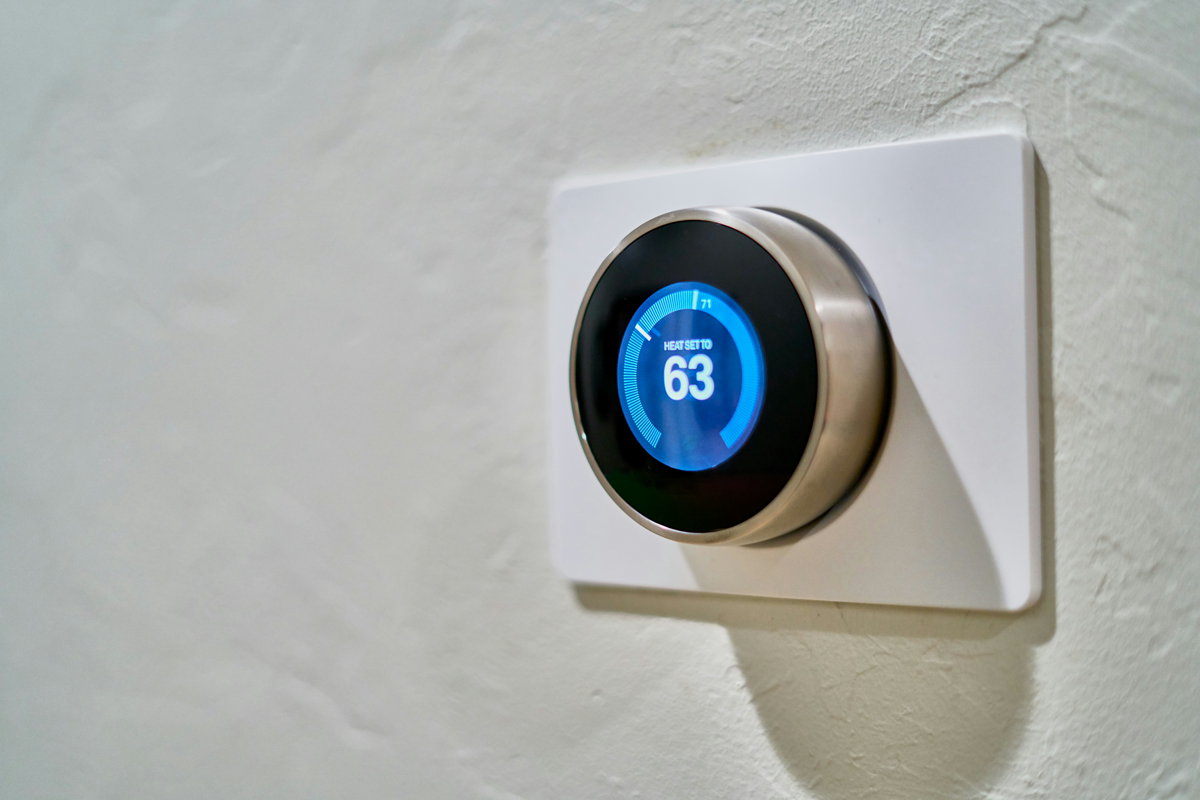
Our Top Pick: ecobee Smart Thermostat Premium, 4.5 with 2,500+ reviews. Includes a built-in air quality monitor and remote sensor to eliminate hot/cold spots. For a simpler, high-contrast display, get the Honeywell Home Smart Color Thermostat.
Which Smart Thermostat Do You Need?
Choosing the right thermostat depends mostly on your wiring and which smart home ecosystem you already use. If you don’t have a “C-wire” (common wire) for power, you’ll need a model that includes a power adapter or a specific “no C-wire” kit.
| Feature | ecobee Premium | Nest Learning (4th) | Honeywell Color | Amazon Smart |
|---|---|---|---|---|
| Remote Sensor | ✅ Included | ✅ Included | ❌ No | ❌ No |
| C-Wire Required | ⚠️ Adapter Inc. | ⚠️ Power Conn. | ✅ Yes | ✅ Yes |
| Air Quality | ✅ Yes | ❌ No | ❌ No | ❌ No |
| Display | ✅ Glass | ✅ Metal/Glass | ✅ LCD Color | ✅ Basic LED |
Bottom line: Get the ecobee Premium if you want the best sensors, or the Google Nest if you want the most advanced “learning” algorithms that program themselves.
Our Top 4 Picks
We evaluated these based on ease of DIY installation, app reliability, and real-world energy savings.
ecobee Smart Thermostat Premium
⭐ 4.6/5 (2,500+ reviews), Amazon’s Choice
This is the most complete package on the market. It doesn’t just manage temperature; it monitors indoor air quality and acts as a security hub with its built-in smoke alarm detection. It’s affordable when you consider it includes a $50 remote sensor in the box.
✅ Pros
- Built-in air quality monitor
- Includes remote SmartSensor
- Works with all major smart homes
❌ Cons
- Higher upfront cost
- Large footprint on wall
Best for: Larger homes with uneven temperatures between rooms.
Google Nest Learning Thermostat (4th Gen)
⭐ 4.0/5 (100+ reviews), Latest Model
The 4th Gen Nest is a design masterpiece with an edgeless “Dynamic Farsight” display. It’s the smartest model for people who don’t want to touch their thermostat, it learns your schedule in about a week and adjusts itself to save energy when you’re away.
✅ Pros
- Beautiful edgeless glass design
- Advanced “learning” algorithm
- Matter-compatible for future-proofing
❌ Cons
- Very expensive
- Google Home app can be complex
Best for: Users who want a “set it and forget it” experience with premium aesthetics.
Honeywell Home Wi-Fi Smart Color Thermostat
⭐ 4.4/5 (48,000+ reviews), Top Rated
If you want a thermostat that looks and acts like a traditional appliance but with smart features, this is it. The high-contrast color screen is easy to read from across the room, and the Honeywell Home app is rock-solid. It’s a very affordable way to get a full-color touchscreen.
✅ Pros
- Extremely high reliability
- Customizable screen colors
- Easy to read without a phone
❌ Cons
- No remote sensors supported
- Requires a C-wire (no adapter in box)
Best for: People who want a reliable, traditional-feeling interface with smart controls.
Amazon Smart Thermostat
⭐ 4.2/5 (25,000+ reviews), Best Value
Developed with Honeywell technology, this is the most affordable way to get an Energy Star certified thermostat. It’s spartan, no touch screen, just simple up/down taps, but it handles Alexa “Hunches” perfectly to save energy when you leave the house.
✅ Pros
- Lowest price point for Energy Star
- Tight Alexa integration
- Clean, minimalist design
❌ Cons
- No on-device programming
- No remote sensor support
Best for: Alexa-focused homes on a strict budget.
Tools You’ll Need
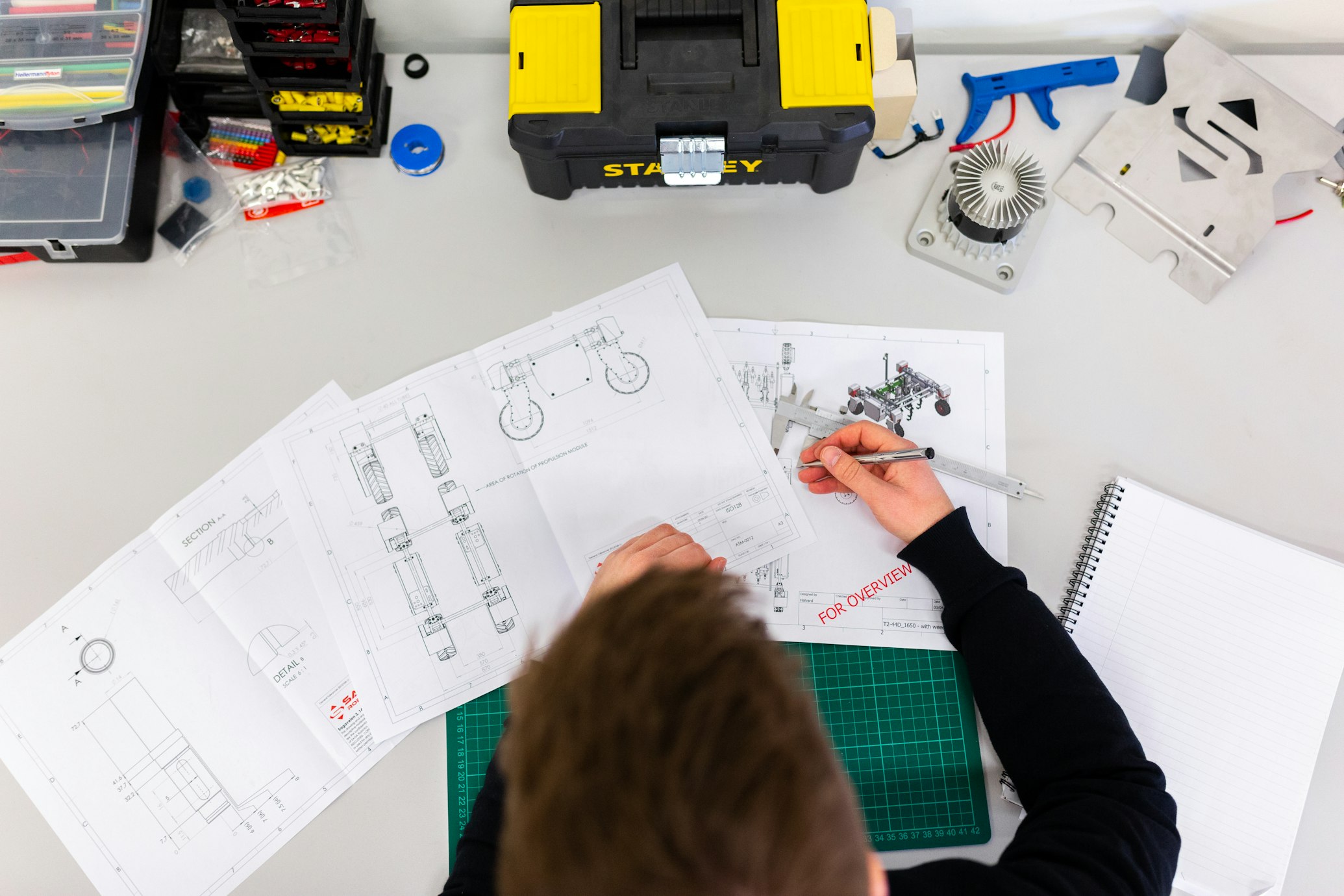
Most smart thermostats take about 30 minutes to install. You’ll need these basics to get the job done safely.
How to Install Your New Thermostat
- Turn off power, Switch off the HVAC breaker at your main electrical panel.
- Label wires, Take a photo of your old wiring and use the stickers included with your new thermostat to label each wire.
- Mount and level, Screw the new base plate into the wall (most have a built-in level).
- Connect wires, Push the labeled wires into the corresponding terminals on the new base.
FAQ
Will a smart thermostat save me money? Yes, most users save between 10-15% on heating and cooling costs. The device usually pays for itself within 12 to 24 months through energy savings.
Do I need a C-wire? Most modern smart thermostats require a C-wire for constant power. If you don’t have one, look for models like the ecobee Premium that include a “Power Extender Kit” in the box.
Can I install this myself? If you can use a screwdriver and follow a smartphone app’s instructions, you can do this. However, if you have a high-voltage system (baseboard heaters) or complex multi-stage heat pump, call a pro.